Respect PVP Guides Hub
A clear reading order from first join to consistent wins in BETA deathmatch.
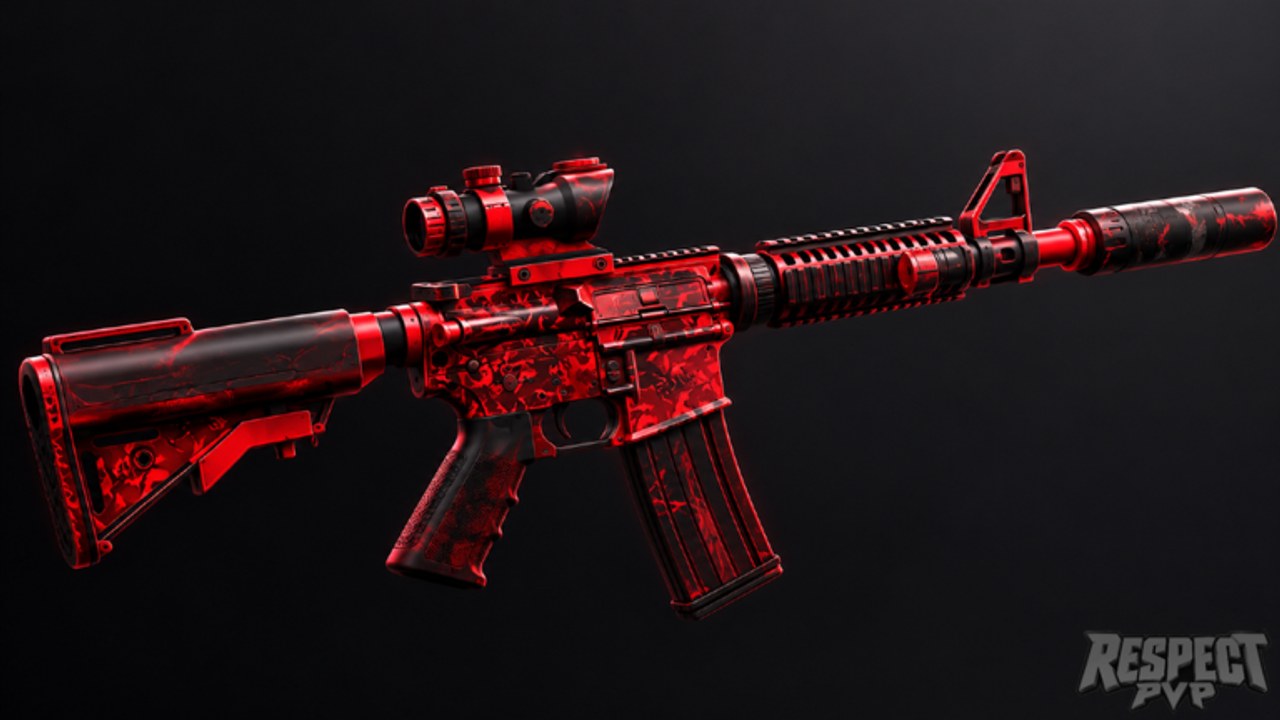
Welcome to the Guides Hub for Respect PVP [BETA] by VOLL Games Inc. This is a fast-paced arena deathmatch shooter on Roblox: aim, movement, and mid-fight decisions matter more than grinding a single loadout. Servers hold up to 35 players across PC, mobile, tablet, Xbox, and PS5, so the same fundamentals apply whether you tap, click, or use a controller.
This hub is the map of every guide on the wiki. Use it when you are new, returning after a balance patch, or stuck repeating the same mistakes. Each page below targets a different skill layer. Read them in order if you are starting fresh; jump to a sibling page if you already know the basics.
Recommended reading order
- Getting Started, then Settings — First-session checklist, what BETA means, Free Supporter skins (Like + Favorite + join the VOLL Games Inc group), device tips, and where to claim codes.
- Controls — How Roblox shooter inputs feel on PC, mobile, and console, plus sensitivity habits that keep your aim readable in crowded arenas.
- Combat Tips — Aim discipline, strafing, peeking, and adapting under pressure.
- Weapons — Archetypes (assault rifle, SMG, shotgun, sniper, pistol, utility), range and ammo tradeoffs, and when to swap mid-match. Cross-check rankings on the tier list.
- Positioning — Map awareness, spawn pressure, peeks, high ground, and rotations in 35-player deathmatch.
- How to Win — Match strategy, warm-up, mental game, reading opponents, and converting fights into streaks.
- Mobile Guide — Landscape layouts, thumb stamina, and touch aim expectations versus PC and console.
- Fair Play — No cheating or exploits, BETA bug etiquette, and why script shortcuts are unsafe (Scripts).
Who each guide is for
New players should stay on Getting Started until they can join a match without hunting menus, then skim Controls before their second session. If aim feels floaty or sticky, fix sensitivity before blaming the weapon.
Returning players after a patch should re-read Combat Tips, Positioning, and Weapons. BETA balance can shift how archetypes feel even when the map looks the same. Pair those pages with the Updates hub—including the November 2026 BETA status snapshot—so you know what changed.
Phone and tablet players should add the Mobile Guide after Controls so layout and stamina problems are not mistaken for “bad guns.”
Competitive climbers live in Positioning, How to Win, and Combat Tips. Winning in a 35-player deathmatch is not only raw aim: spawn awareness, loadout swaps, and not tilting after a bad fight decide streaks. Use the Players hub for community context and Fair Play plus Scripts for clarity on what is unsafe—this wiki expects clean lobbies and no exploiting.
Anyone chasing cosmetics should still start with Getting Started: Free Supporter skins are tied to Like, Favorite, and joining the creator group, not to combat rank.
How to use this wiki with the game
Respect PVP is still BETA. Expect bugs, sudden balance changes, and UI tweaks. Guides here teach durable skills—movement, peek timing, archetype choice, fair play—not a frozen meta spreadsheet. When something in-game disagrees with a tip, trust the live build, then check Updates and adjust.
Internal links across these guides use trailing slashes and stay locale-agnostic so every language version of the site can resolve them. Sibling pages cross-link on purpose: Controls points you into Combat Tips; Weapons points you at the tier list; Positioning and How to Win send you back to practice routines from Getting Started.
For the official experience page and other trusted destinations, use the Links hub. For promo rewards, keep Codes bookmarked and re-check after major drops.
What these guides will not invent
We do not invent a full official weapon roster or fake patch notes. Weapon pages talk in archetypes until VOLL publishes a stable named list. We also do not encourage exploits or unfair scripts. If you want a cleaner aim feel, fix settings and practice—do not look for shortcuts that risk your account.
Quick links
- Getting Started
- Controls
- Combat Tips
- Weapons
- Positioning
- How to Win
- Mobile Guide
- Fair Play
- Codes · Tier List · Updates · Players · Links
Start with Getting Started if this is your first Respect PVP session. If you already know the lobby, skip ahead to Combat Tips, Positioning, or How to Win and come back when a mechanic feels unclear.
Frequently Asked Questions
Quick answers for Respect PVP lobbies, codes, and BETA changes.
Which Respect PVP guide should I read first?
Start with Getting Started for your first session checklist and Free Supporter skins, then Controls, then Combat Tips. Add Positioning and How to Win once basics feel comfortable; mobile players should also open the Mobile Guide.
Are these guides written for PC only?
No. Respect PVP supports PC, mobile, tablet, Xbox, and PS5. Controls, Getting Started, and the Mobile Guide call out device differences; combat fundamentals still apply on every platform.
Will BETA patches make these guides wrong overnight?
Numbers and feel can change in BETA. The guides focus on durable skills—aim, movement, positioning, archetypes, fair play—and point you to Updates when the live build shifts.
Where do codes, fair play, and tier rankings live?
Promo codes are on the Codes hub. Fair Play and Scripts cover clean competition. Relative strength discussions start on the Tier List hub and pair with the Weapons guide.