Mobile & Tablet Guide for Respect PVP
Win more touch fights with stable layouts, smarter sessions, and habits that survive crowded BETA arenas.
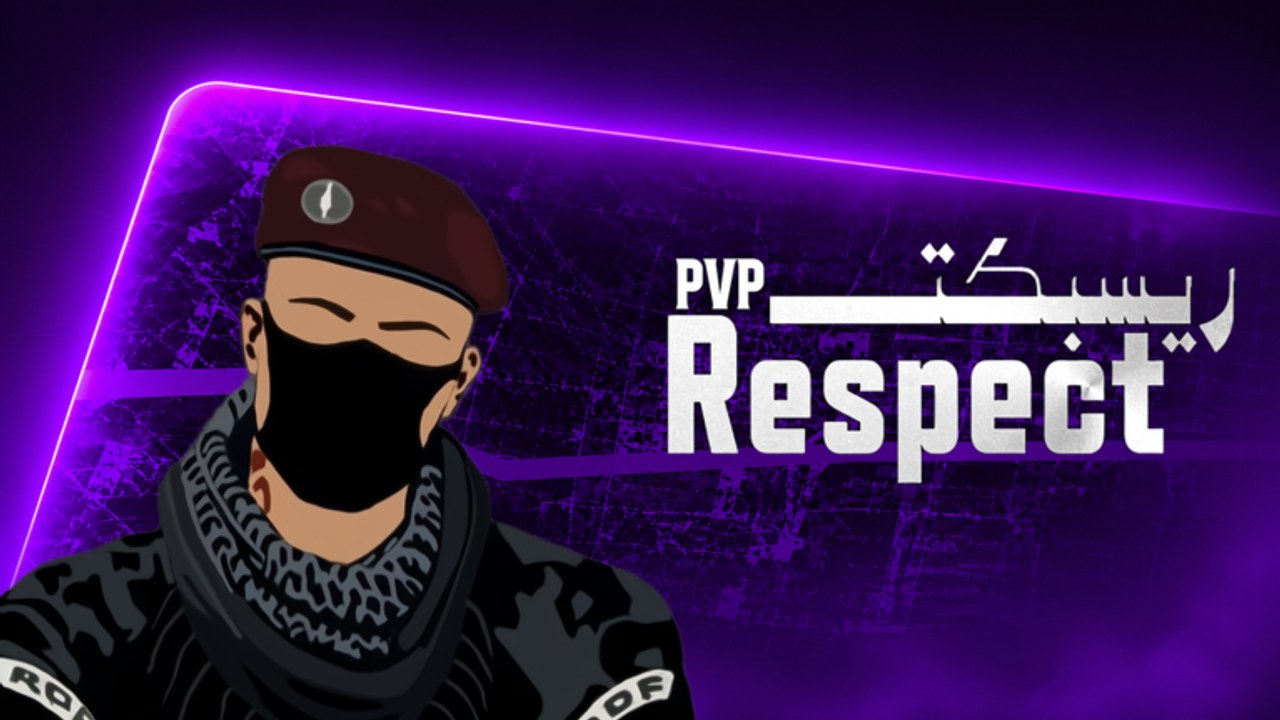
Respect PVP [BETA] by VOLL Games Inc is fully playable on phones and tablets, not only on PC or console. Servers still mix platforms and fill toward about 35 players, so your thumbs fight the same chaos as mouse and controller lobbies. This Mobile Guide focuses on touch layouts, landscape play, stamina, and honest aim expectations versus PC and console. Pair it with Controls, Settings, Combat Tips, and Getting Started so cosmetics, binds, and fight habits stay aligned.
Mobile is not a “casual only” lane. Many players queue from phones during peak hours. The ceiling is real—if you treat layout and fatigue seriously.
Why mobile needs its own checklist
Touch shooters fail for boring reasons: overlapping buttons, portrait play that shrinks your view, sweaty thumbs after twenty minutes, and sensitivity copied from a PC friend. Fix those before blaming archetypes on Weapons or rankings on the tier list.
Respect PVP is still BETA. Expect control tweaks, UI polish, and feel changes listed on Updates. After any input or graphics patch, re-test your layout for one lobby instead of assuming last week’s HUD still fits.
Landscape first, then layout
Play in landscape whenever the experience allows. A wider view helps you spot peeks, third parties, and spawn pressure that portrait play hides. Lock rotation if your phone keeps flipping during reloads.
Then tune the HUD:
- Separate look and fire. If spraying drags your camera, move the fire zone so your right thumb can press without sliding the look pad.
- Enlarge critical hit areas for fire, jump, and crouch if the game offers sizing. Tiny buttons look clean in screenshots and fail under stress.
- Keep reload and swap reachable without releasing look entirely. Mid-fight fumbling is how close SMG duels reverse.
- Avoid stacking every button under one thumb. Two-thumb play needs clear lanes; claw grips are optional, not mandatory.
Tablet players should use the extra screen space for larger controls and clearer sightlines, not for copying a cramped phone HUD.
Sensitivity that works on glass
Touch look speed is not PC eDPI. Start slightly lower than your ego wants. On phones, oversensitivity causes missed close shots more often than “slow” settings. Use the same track–flick–peek drill from Controls:
- Track a moving player across mid range without constantly overshooting.
- Snap to a sudden close threat and fire a controlled burst.
- Peek a corner, shoot once, return to cover without spinning out.
Change one slider at a time, then play a real match. Log the value so a BETA reset does not erase a week of muscle memory. Deeper graphics and performance presets live on Settings—stable frames on cellular or Wi-Fi matter as much as raw sens.
Thumb stamina and session length
Deathmatch with dozens of players is cardio for your hands. Thumb fatigue disguises itself as “the game is broken” or “this gun is trash.” Build sessions that protect stamina:
- Short blocks: 15–25 minutes of focused play beat hour-long tilted marathons on mobile.
- Micro-breaks: shake out hands between matches; wipe the screen so look pads do not stick.
- Grip variety: alternate how hard you pinch the device; death-grip tension ruins fine aim.
- Stop on tilt. Two silly deaths in a row is a signal to slow peeks or leave the lobby—see mental habits on How to Win.
If your aim collapses late in a session, end on a process win (cleaner peeks) rather than chasing one more kill streak.
Aim expectations vs PC and console
Be honest about hardware ceilings without quitting:
- PC usually wins raw flick precision and multi-key weapon swaps. Do not mirror a desktop creator’s sensitivity number.
- Controllers often track mid-range strafes smoothly with assist feel. Your answer is burst control and smarter peeks, not rage.
- Mobile shines when you take high-percentage fights: third-party distracted players, hold strong angles, and avoid wide ego swings into unknown space.
Crosshair height, info peeks, and disengaging low health still transfer from Combat Tips. Positioning pages and match strategy matter more on touch because you cannot out-micro every PC duel. Prefer cover, exits, and range that matches your archetype.
When the lobby collapses into tight rooms, lean on SMG or shotgun roles from Weapons. When sightlines open, play edges instead of donating yourself to long-range PC players in pure open mid.
Network, heat, and performance
Phones heat up. Thermal throttling feels like lag or mushy input. Practical steps:
- Lower unnecessary graphics load via Settings if the client exposes options.
- Prefer stable Wi-Fi over congested public networks when practicing seriously.
- Close background apps that steal CPU or bandwidth.
- Remove thick cases only if grip stays safe—dropping the phone mid-peek is not a skill issue.
After performance patches on Updates, re-check whether you can raise clarity without dropping frame feel.
Free Supporter skins and fair play on the go
Mobile players still unlock Free Supporter cosmetics the same way: Like, Favorite, and join the VOLL Games Inc group—details on Getting Started. Re-check all three if skins do not appear during BETA.
Do not chase touch “scripts,” macros, or exploit tools because a PC player out-aimed you. Fair play rules apply on every device. Read Scripts for why shortcuts risk your account, and keep Codes bookmarked for legitimate rewards after milestones.
A mobile-first practice loop
- Landscape + layout check (90 seconds).
- Sensitivity drill from Controls (2–3 minutes).
- One warm-up match focused on peeks, not the scoreboard.
- Two or three focused matches with one process goal (for example: fewer empty-mag pushes).
- Short break; skim Updates or Codes if you heard about a drop.
- Stop before thumbs fail—or swap to a different device if you continue on PC/console.
Return to the Guides Hub for sibling pages, use Players for community context, and keep official destinations on Links.
Mobile Respect PVP rewards calm layouts, honest session length, and fight selection. Master the glass first; then let combat tips and weapon choice multiply what your thumbs can already do.
Frequently Asked Questions
Quick answers for Respect PVP lobbies, codes, and BETA changes.
Should I play Respect PVP in landscape on mobile?
Yes whenever the experience allows. Landscape gives wider sightlines and more room for a clean look-and-fire layout in 35-player arenas.
Why does my mobile aim feel worse than PC players?
Touch has a lower flick ceiling than mouse. Lower sensitivity slightly, enlarge fire zones, take higher-percentage peeks, and use Combat Tips instead of copying PC sens numbers.
How long should a mobile session be?
Short blocks of about 15–25 minutes work well. Thumb fatigue looks like bad netcode—take breaks before tilt chooses your peeks.
Where do I tune graphics and sensitivity?
Use the Controls guide for look drills and the Settings tool for performance presets. Re-test after BETA patches on the Updates hub.
Do Free Supporter skins work the same on phone?
Yes. Like the experience, Favorite it, and join the VOLL Games Inc group, then recheck if cosmetics are delayed in BETA.